
A notification can be sent each time a vehicle either enters, or leaves (or both) from a certain location that has been set up as a Landmark or a Geofence.
Add landmarks:
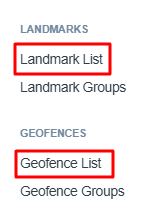
- Go to Account > Landmark List | or | Account > Geofence List
- Click on Add New to begin creation.
Once your Landmark or Geofence is completed, you can move on to creating a Notification rule based on that location.
Create notifications:
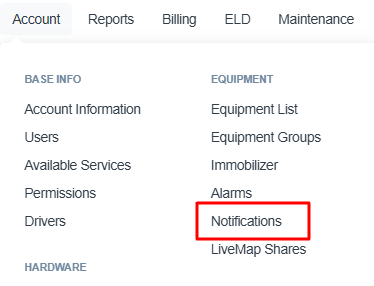
- Select Account > Notifications
- Click on Add New
- Enter your Notification Rule Name (Next)
- Select the equipment names you'd like to monitor (Next)
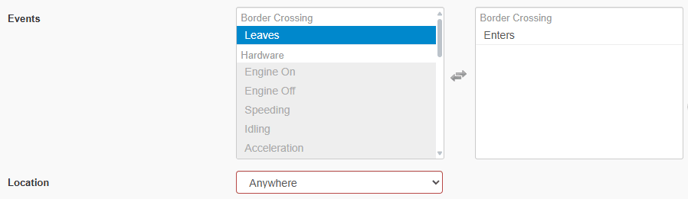
- In the Events area, select Border Crossing > Enters, Leaves, or both
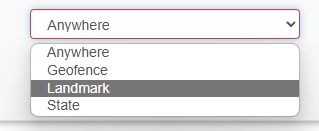
- From the Location box, select Landmark (or Geofence)
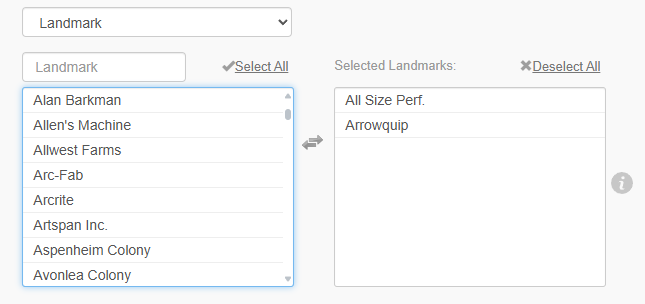
- Select the target Landmarks / Geofences you wish to use
- Click Next and choose the Email or Mobile App recipients, before Saving your notification.